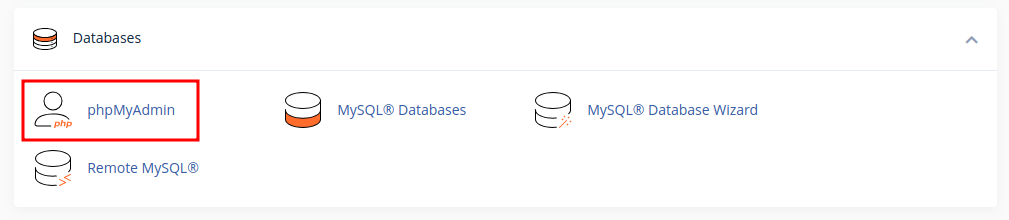
phpMyAdmin is a powerful tool for managing MySQL databases, allowing you to manipulate and manage data within your hosting environment. For example, platforms like Magento store user data, pages, and posts in a MySQL database, which you can manage using phpMyAdmin.
Basic Functions of phpMyAdmin:
- Accessing Databases: You can access your databases through cPanel’s phpMyAdmin.
- Creating Databases and Users: phpMyAdmin allows you to create new databases and users.
- Selecting Databases: To view a database’s structure, click on its name in the left column of the home page. This will display the database’s structure, including the names of individual tables.
- Browsing Databases: After selecting a database, you can browse each table by clicking the “Browse” link next to the table name in the Structure view. This view shows the data rows in the database. You can navigate through the rows using the > or >> links.
- Viewing MySQL Processes: By selecting the SQL tab and running the
show processlistcommand, you can see the current MySQL processes. You can terminate a process by clicking the “kill” link next to the process ID number. - Executing SQL Queries: The Query and Structure tabs allow you to run multiple queries, separated by semicolons.
Steps to Access phpMyAdmin:
- Log in to cPanel: Access your cPanel account.
- Find phpMyAdmin: Look for the phpMyAdmin icon or use the search bar in the top right-hand corner to locate it.