Creating an email account in cPanel is a very straightforward process. You'll need to do this so that you can begin using you@yourdomain.com for your emails and for people to communicate with you.
The first step is to log-in to your cPanel - go to the Scalacoms client area. Go to services and find your active hosting services. then Click 'Login to cPanel'.
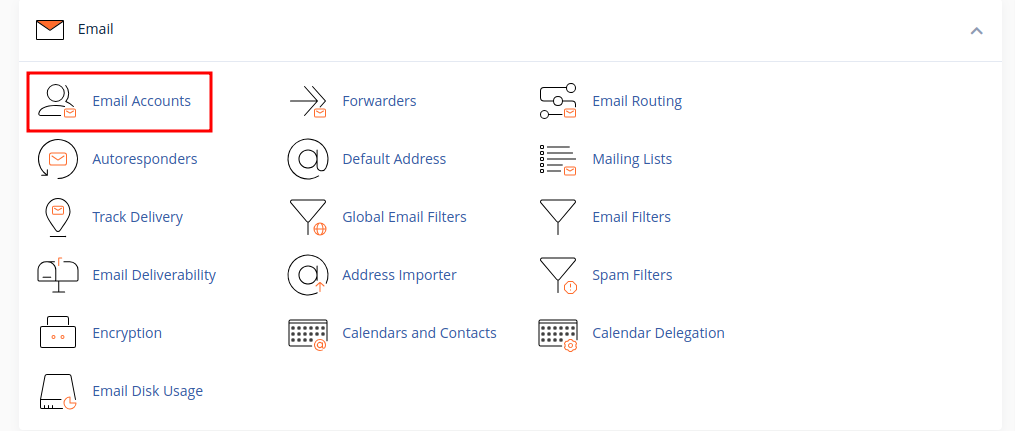
Once logged in to cPanel, scroll down and click 'Email Accounts'.
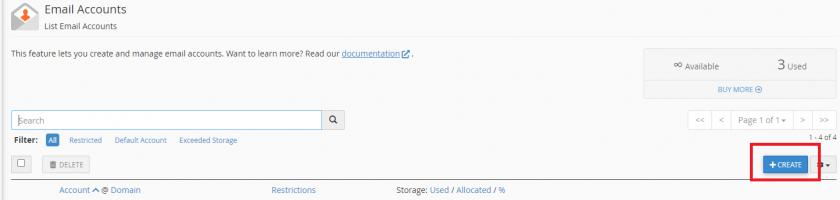
Click the Create button on the right.